
Projects
A work plan, a trip, a reading list: each gets its own project.
 FloCards
Link your notes on boards and keep feedback and ideas moving. Rich text, images and files all fit on one card.
A project holds a goal, boards organize stages or topics, and cards hold the individual tasks. Drag a card to move it to the next stage.
A work plan, a trip, a reading list: each gets its own project.
Columns by stage or topic, with names and colors you choose.
One card, one task, with title and tags clear at a glance.
The first line is the title; press Return to keep writing. Bold, headings, checklists and tables are right there, images sit between paragraphs, and files, video and audio go at the end of the card.
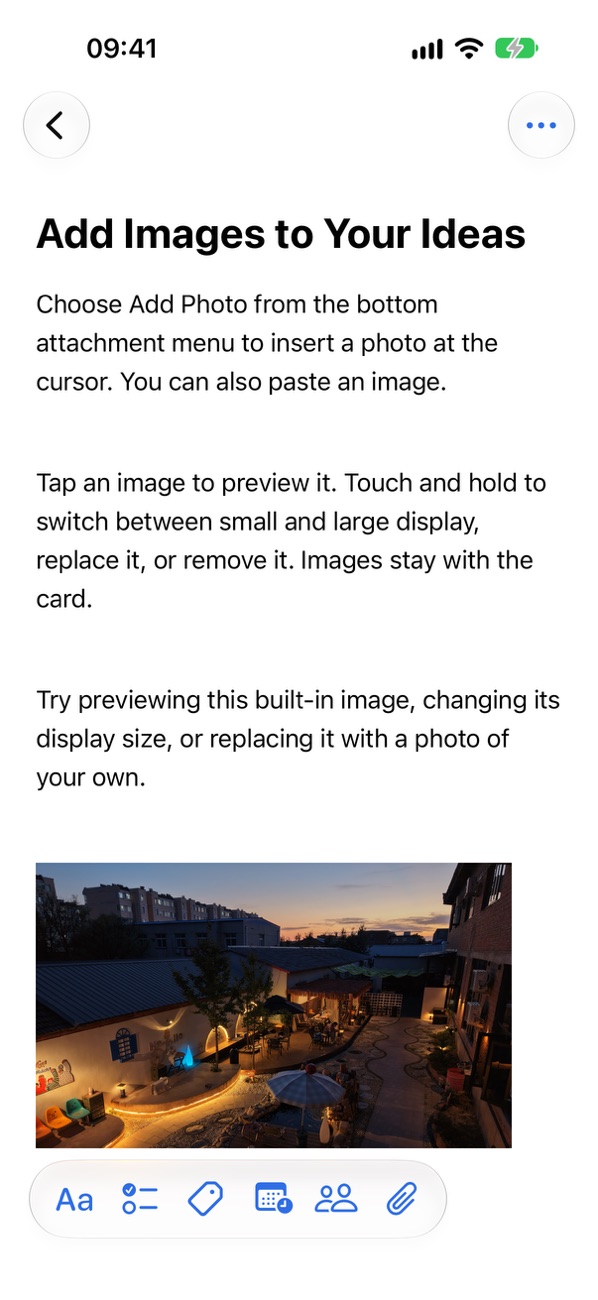
Press and drag a card to move it between boards, and swipe to switch boards. On iPad and Mac, boards sit side by side so you see the whole picture.
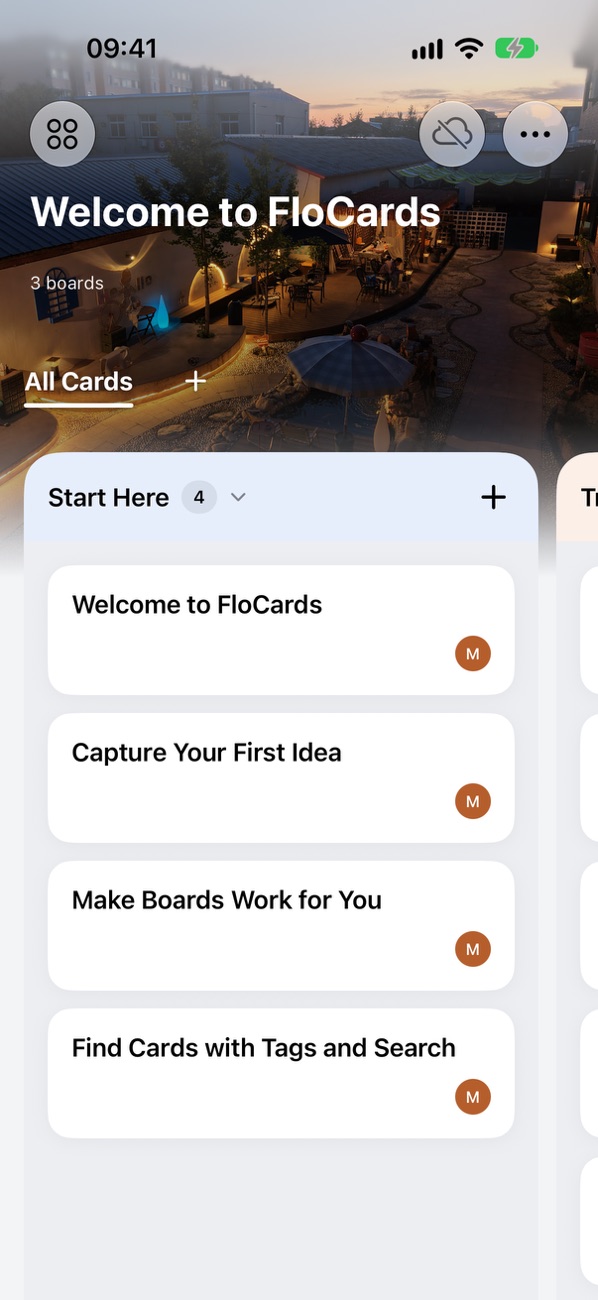
Each project has its own set of tags, and a card can have several. Filter by tag or just search, and the card you want shows up right away.

Invite people to a project as viewers or editors. Collecting feedback, tracking requests and small-team work can all live in one project.
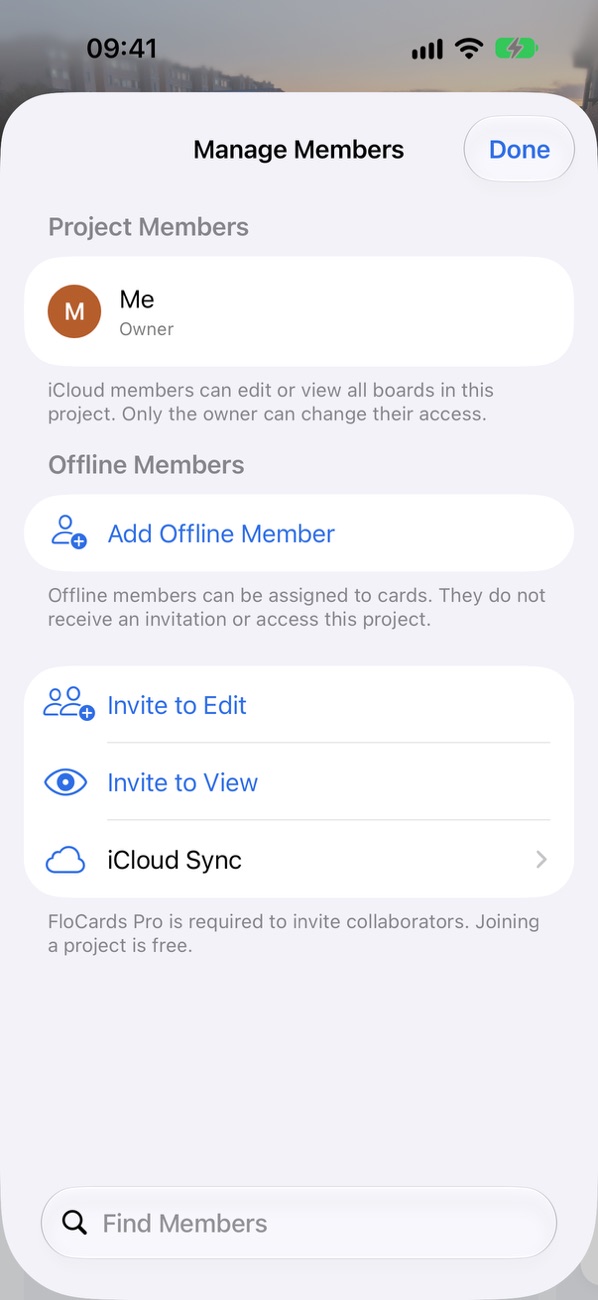
Cards are stored only on your devices and in your private iCloud. Personal Portfolio can’t access your data.
Jot it down, move it forward anytime.
Boards side by side on the big screen.
Runs directly on Macs with Apple silicon.
Layouts adapt as you switch between screens.
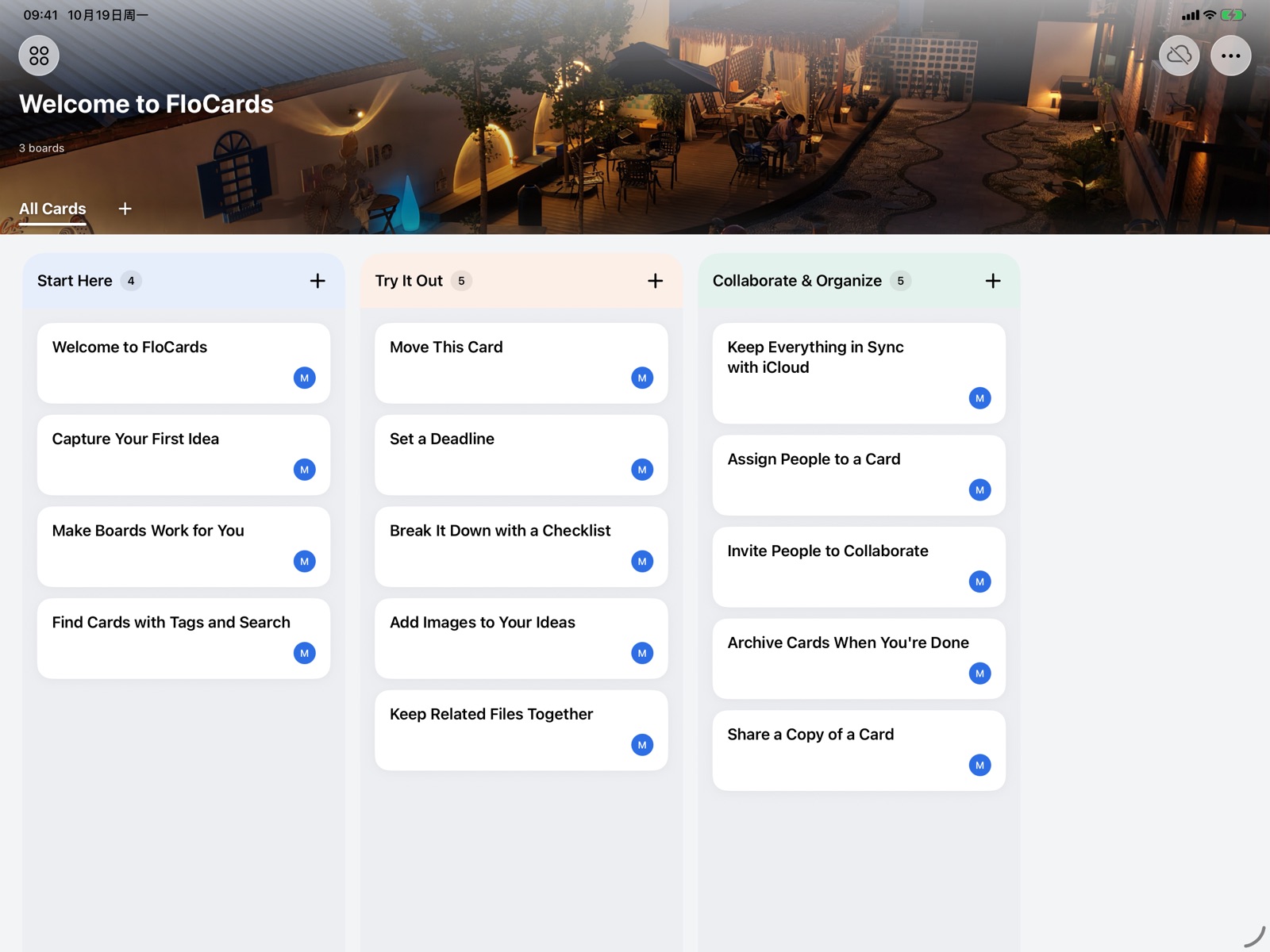
iPhone, iPad and Macs with Apple silicon. It’s also ready for iPhone Duo.
Cards are stored on your device. Turn on iCloud sync and they go to your own private iCloud. Personal Portfolio can’t access your data.
Invite people to a project as viewers or editors. Collaboration runs through iCloud, so everyone needs to be signed in to their own iCloud account.
Rich text, checklists, tables and images go right in the body. Files, video and audio live in the attachments area at the end of the card, ready to preview and share.