
Trip spaces
A space for every journey.
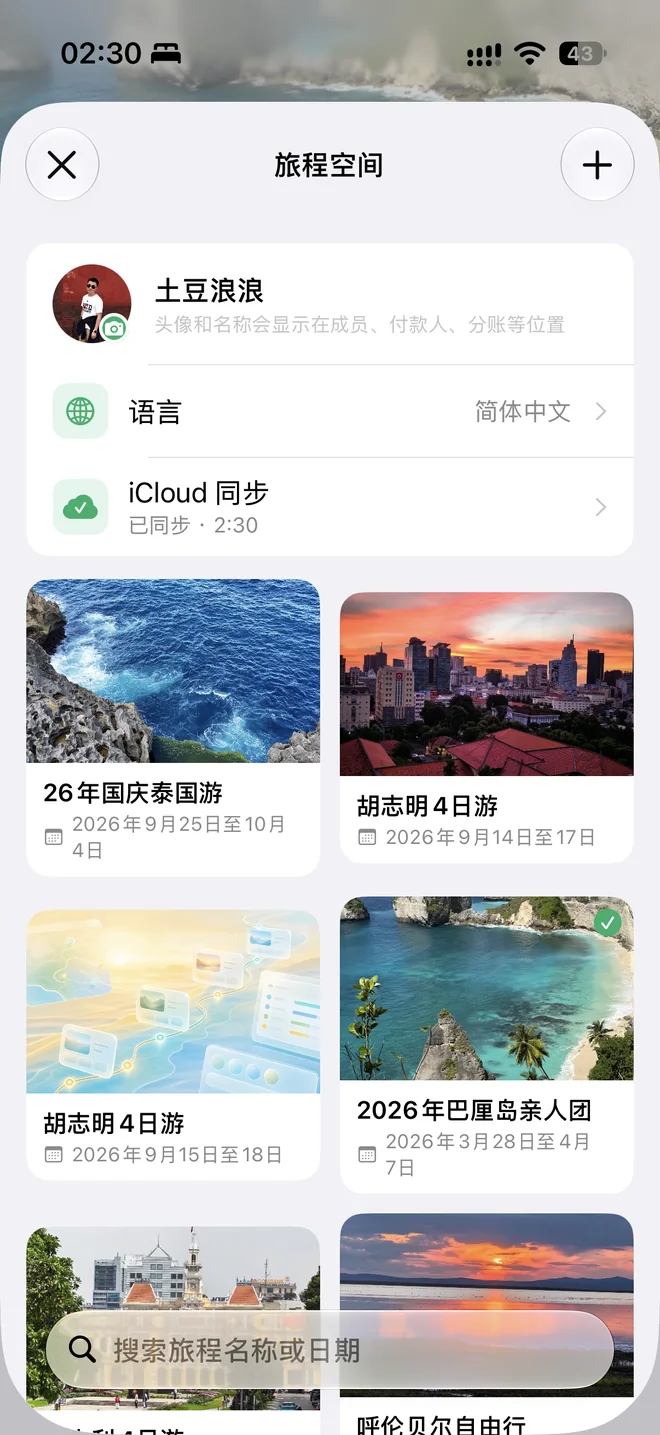
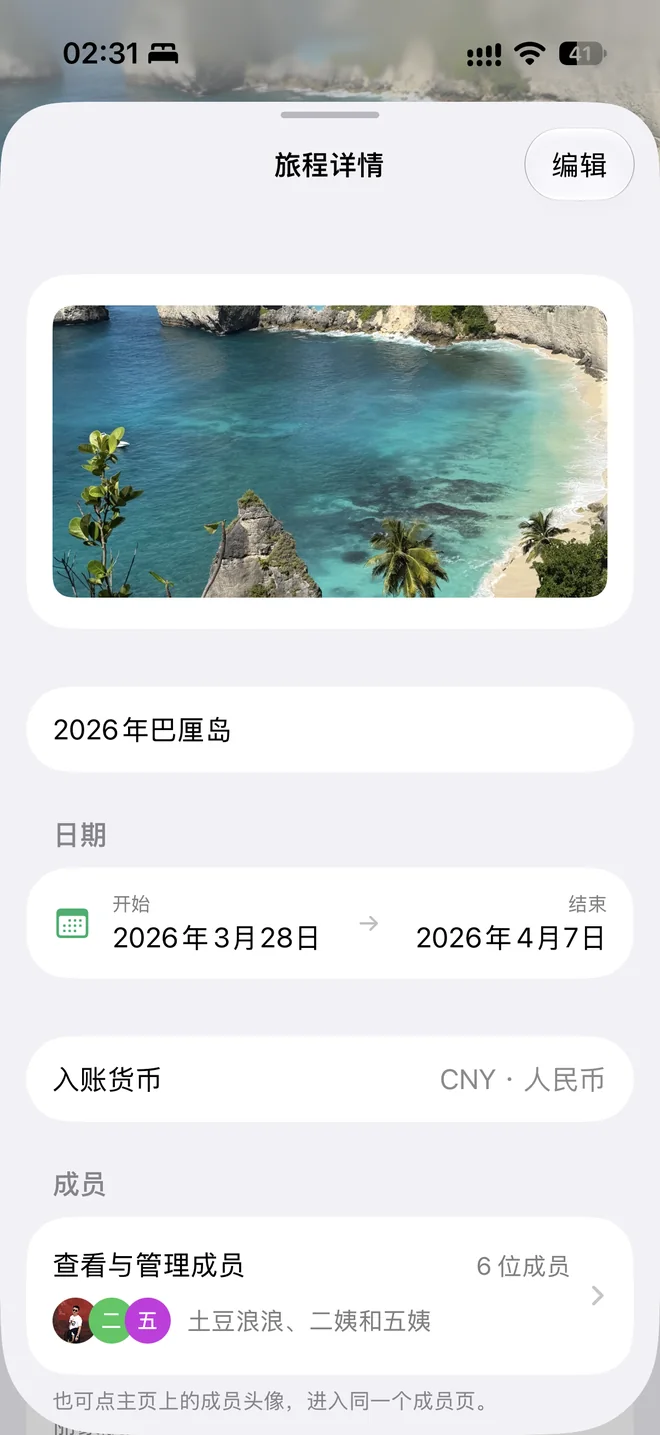
Create unlimited trip spaces, each with its own members, expenses and itinerary. Keep holidays with friends, family breaks and solo adventures neatly organized.
 FloJourney
From the first expense to the final view. Keep shared plans, costs and memories together in a trip space made for travelling together.
Phones · Tablets · Apple silicon Macs
For every departure
Expenses, balances, plans and sharing, all in one place.
Trip spaces
Create unlimited trip spaces, each with its own members, expenses and itinerary. Keep holidays with friends, family breaks and solo adventures neatly organized.
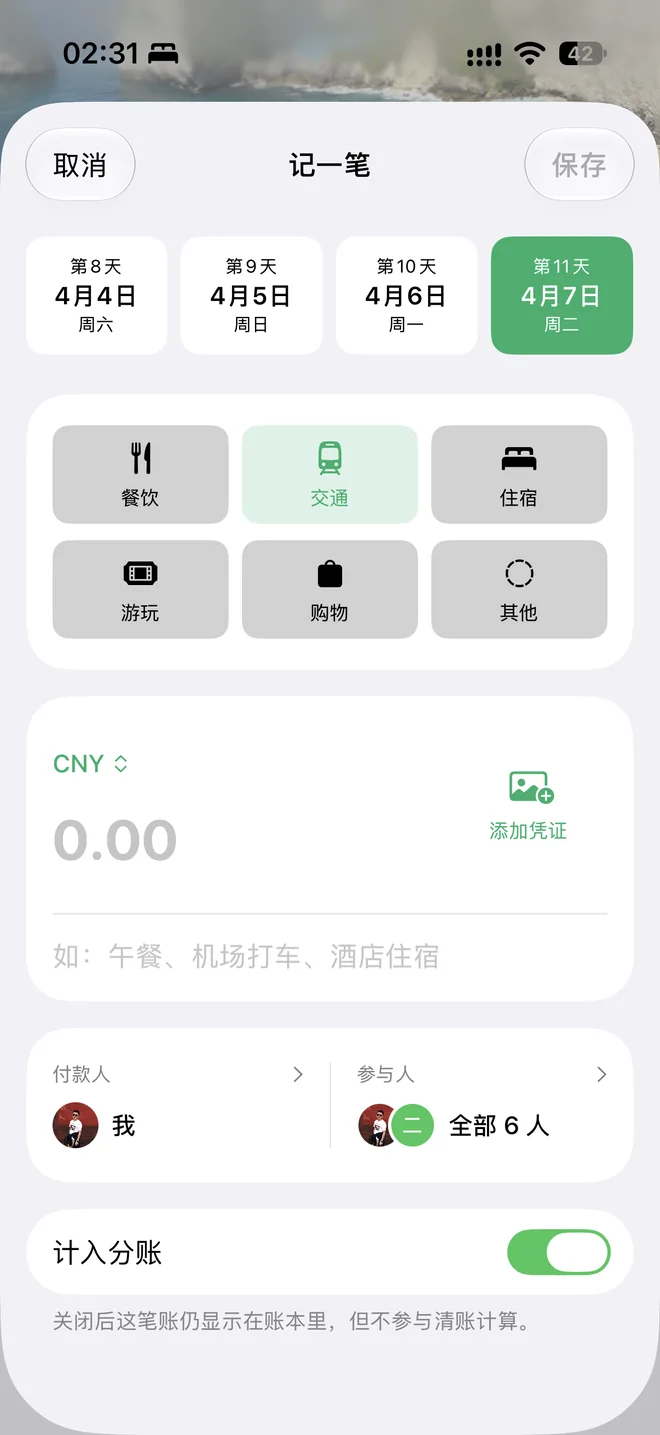
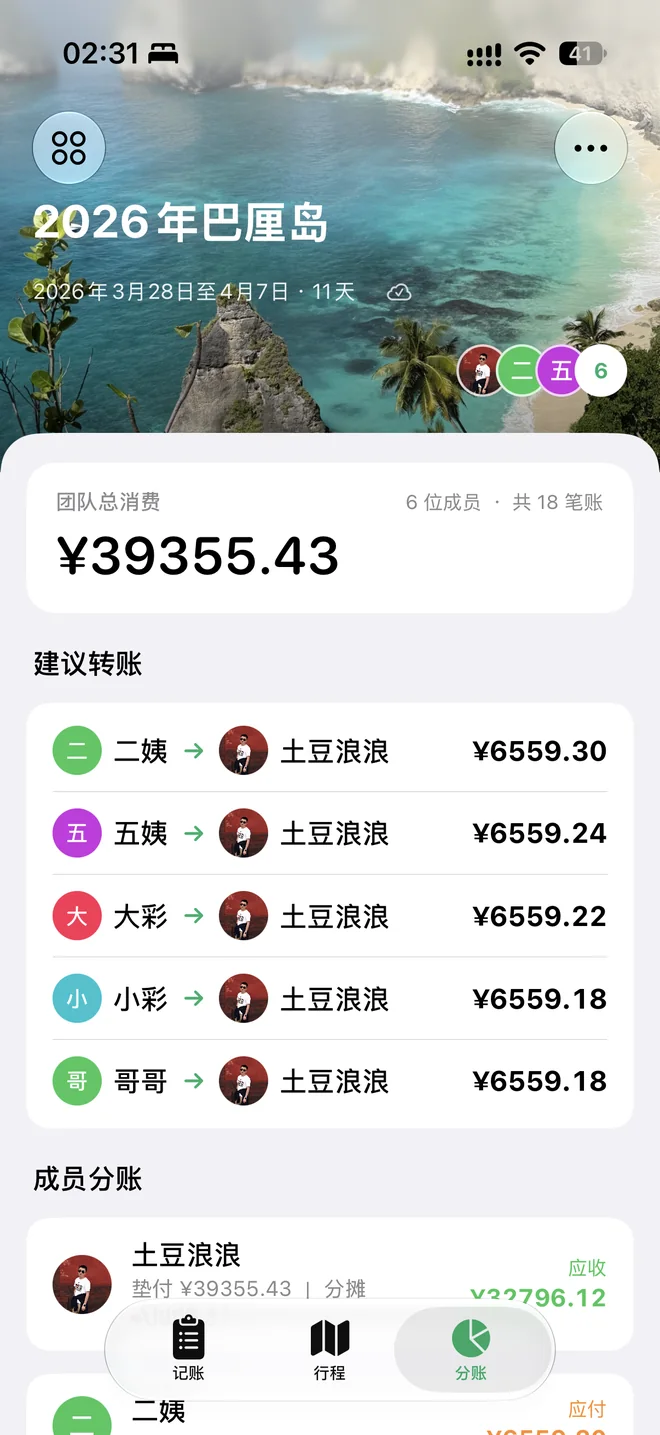
Expenses and balances
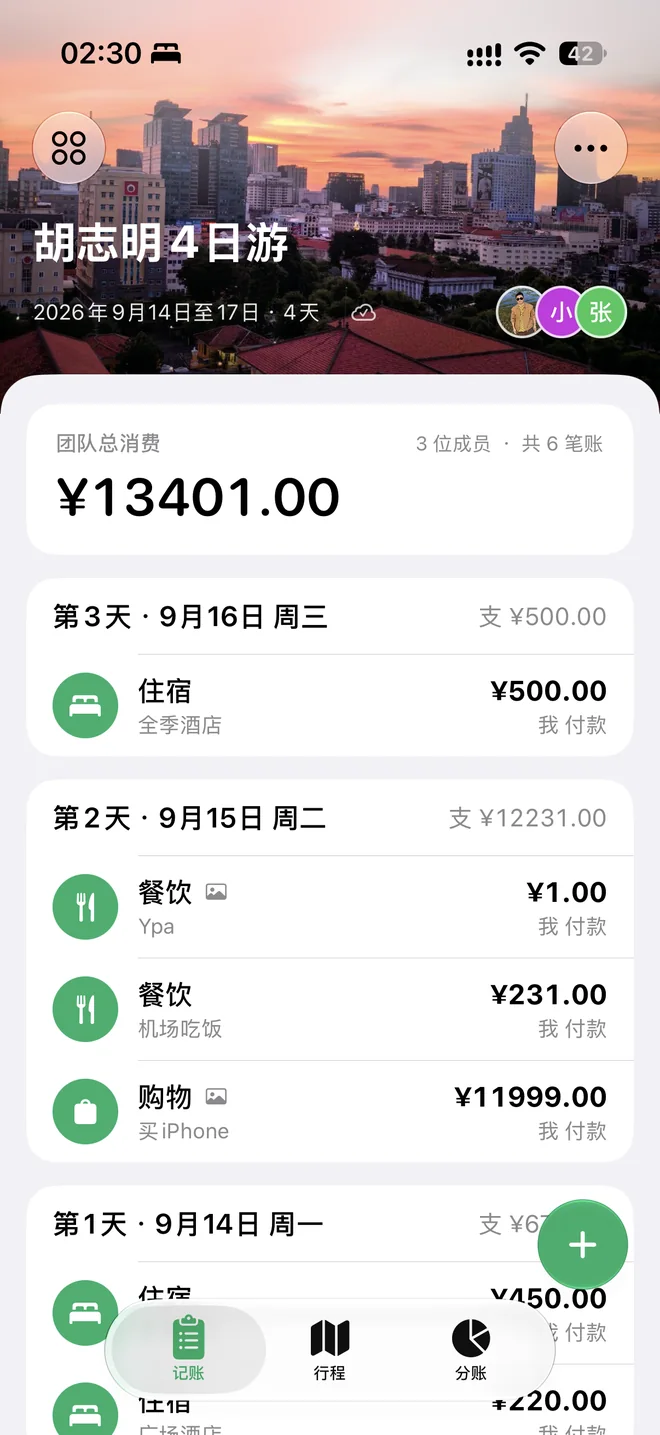
Track who paid and who shares each expense. Get automatic balances and suggested transfers. Foreign amounts convert using the rates you set for the trip, remembered for next time.
Itinerary planning
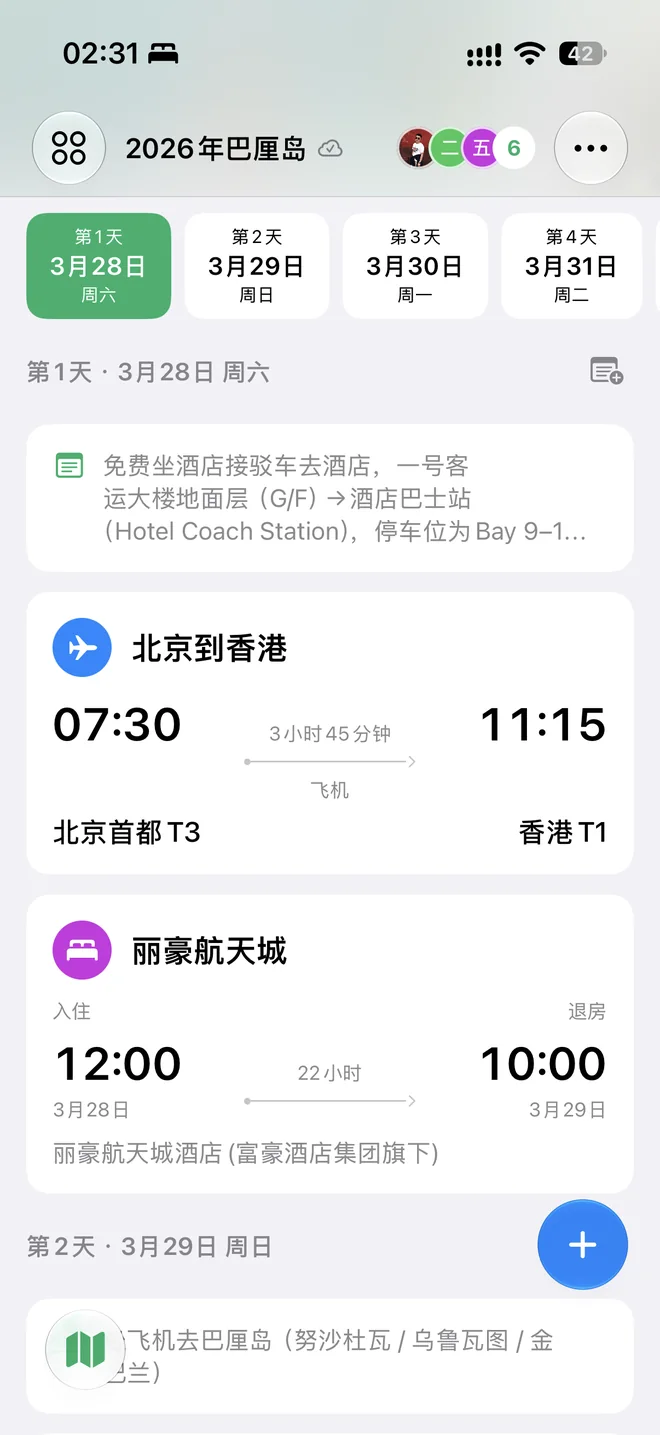
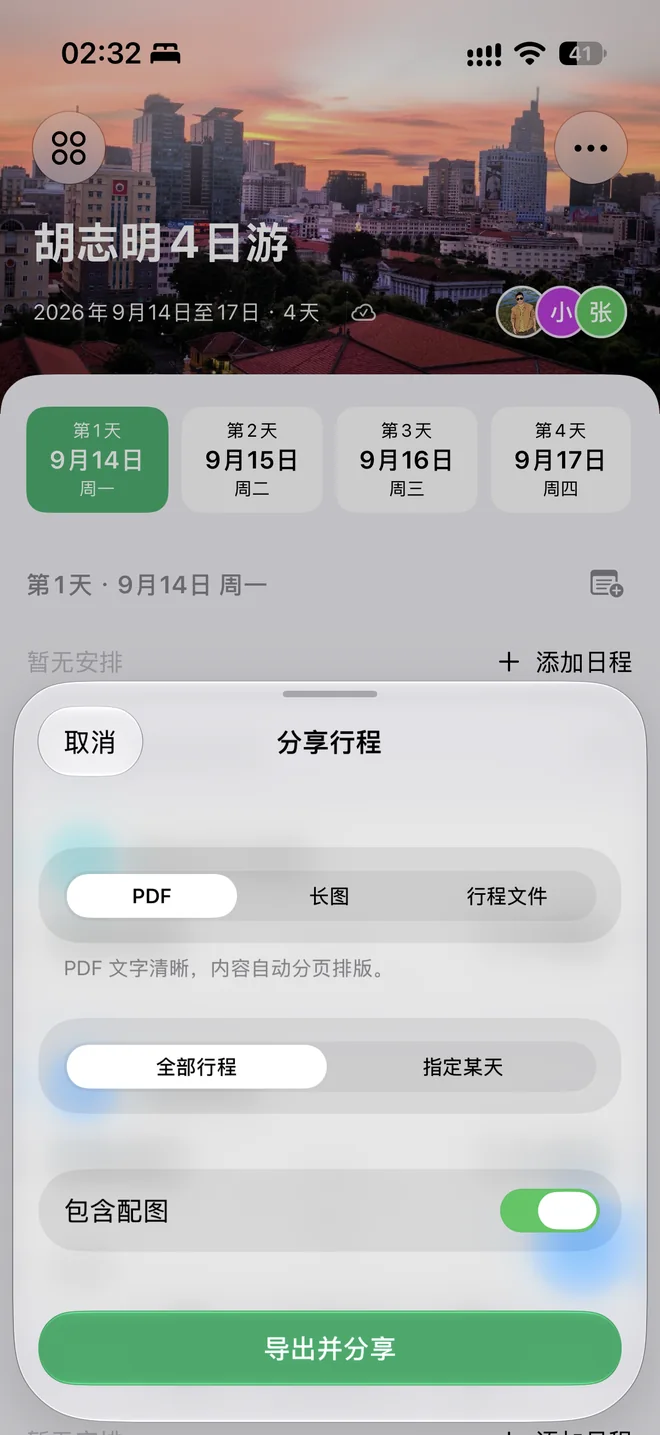
Organize sights, transport and stays by day, with times, addresses, photos and notes together. Open navigation or a ride app in a tap, or export a PDF, long image or itinerary file.
Offline and connected
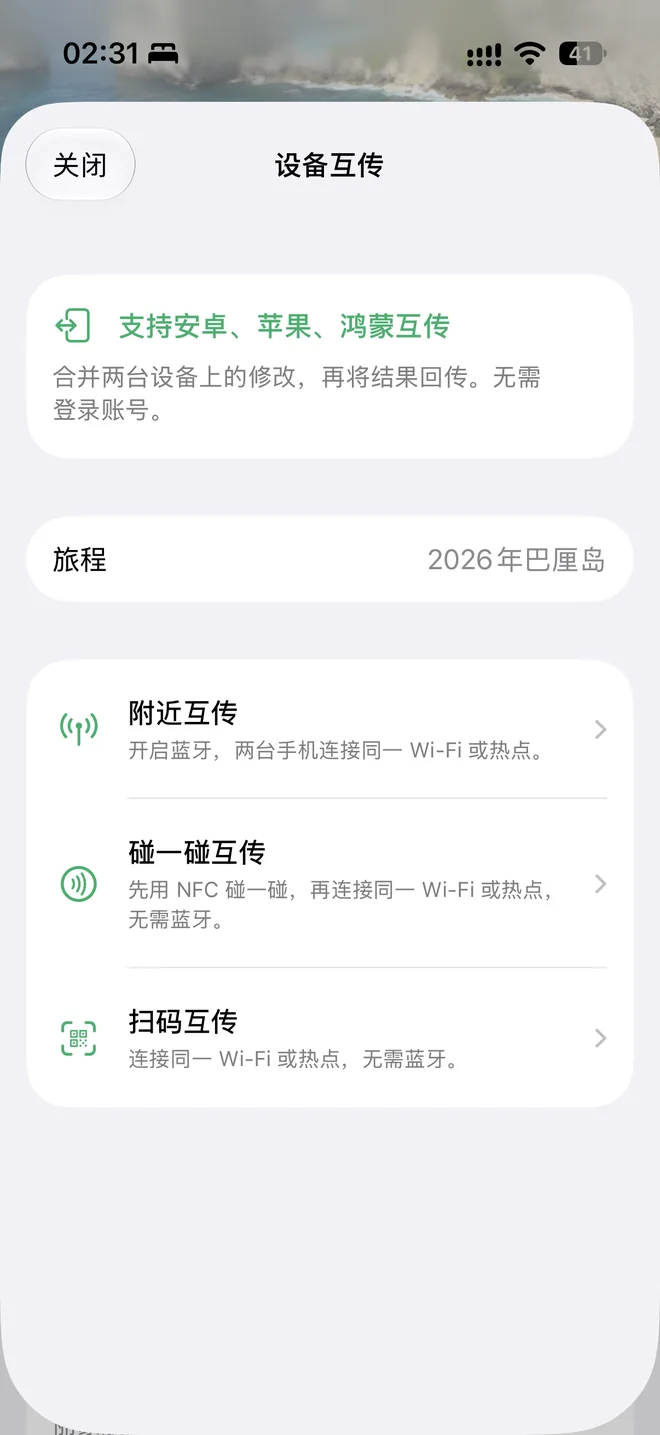
Trips stay on your device, with no account required for local use. Keep planning and recording expenses offline. Connect Apple, HarmonyOS and Android devices to the same Wi-Fi or hotspot, scan to exchange trips and merge updates without internet access or a relay server.
Actual iPhone screenshots. Each platform follows its own native design.
Your devices. Your language.
Sync trips across iPhone, iPad and Apple silicon Mac, and invite travel companions to collaborate through iCloud.
Export itinerary PDFs, single-day long images or itinerary files. Import and export trip bundles, and keep local backups.
The app and website support 15 languages, making planning, expenses and sharing feel natural.
Take FloJourney on your next trip
One trip space, across three platforms.
Mac runs the iPad version.
Open App Storev1.3.5 (42)

Now available on Huawei AppGallery. Open the link or scan the code on a HarmonyOS device to install; the AppGallery website does not list HarmonyOS apps on desktop, so you can also search for “FloJourney” in AppGallery.
Open Huawei AppGalleryv1.3.5 (7)
Stable release · Direct APK download
Download for Androidv1.3.5 (8)
FAQ
Yes. Trips, members, expenses, balances and saved itineraries work locally offline. Device exchange needs the same Wi-Fi or hotspot, but no internet. iCloud, maps and ride services need their respective network connections.
Yes. Scan to exchange trips over the same Wi-Fi or hotspot, or share a trip bundle file. iCloud sync is Apple-only; cross-platform exchange is a manual exchange and merge.
Choose a trip currency, then enter the foreign amount and exchange rate. FloJourney converts it and remembers the rate. Each expense keeps its original rate, so later changes never alter past amounts. Live rates are not fetched automatically.
Open navigation or a ride shortcut from a place in your itinerary to continue in a supported app on your device. Availability depends on platform, region and installed apps. Confirm ride bookings in the ride app.